



Turn your files into clear summaries with the AI document summarizer
Save time and focus on what matters by quickly reviewing key points from your TXT, DOCX, or PDF files with the AI document summarizer.

Quick Summaries
Smart Insights
Easy Read
No Setup
Trusted by over 10 million users around the world





How to Summarize Files with Document Summarizer
Quickly summarize TXT, DOCX, or PDF files with our AI document summarizer. This text summarizer extracts key points and creates clear, concise summaries in seconds.
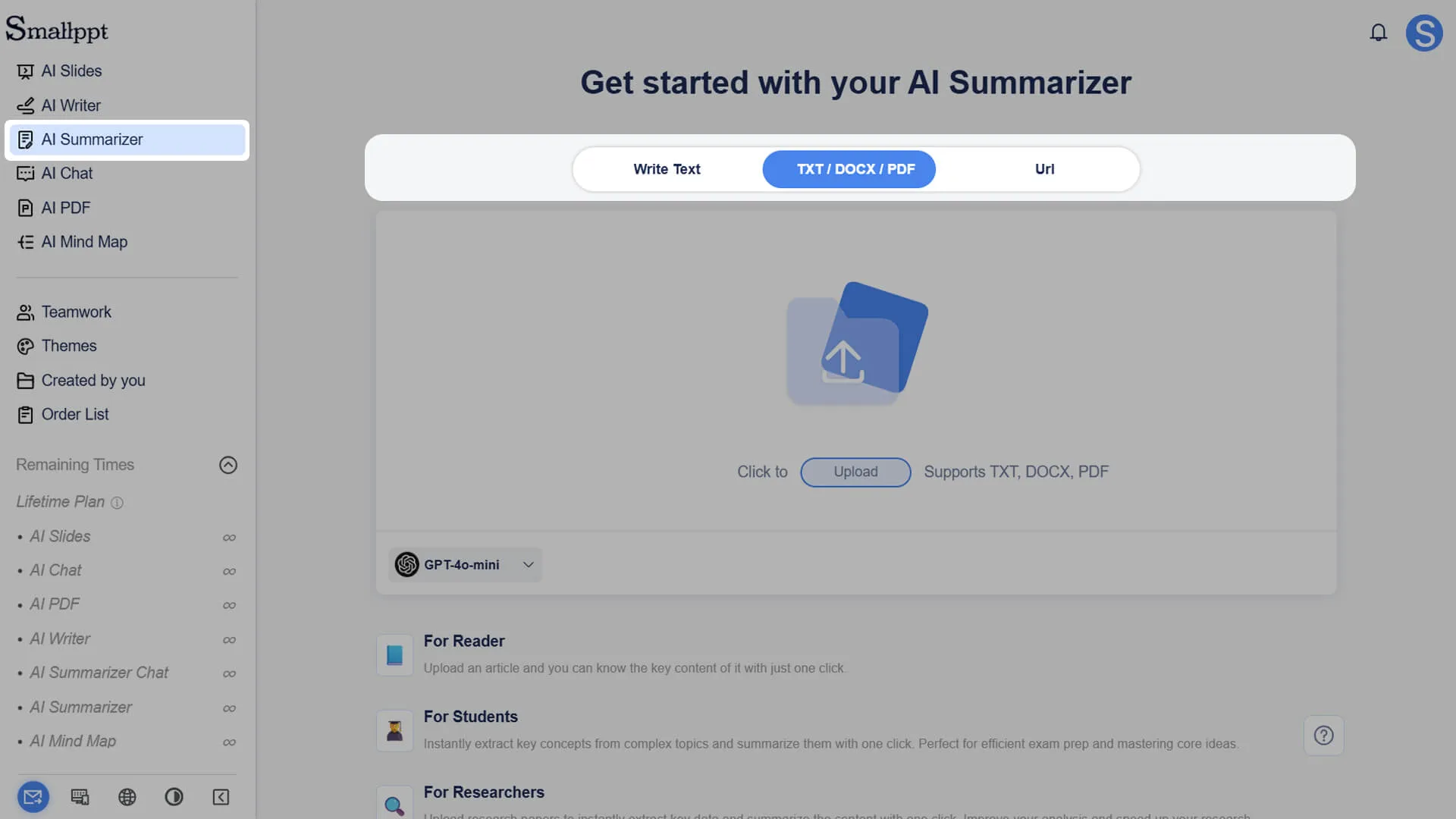
Step 1: Launch Smallppt
Open Smallppt and get ready to use the AI document summarizer to easily process your documents.
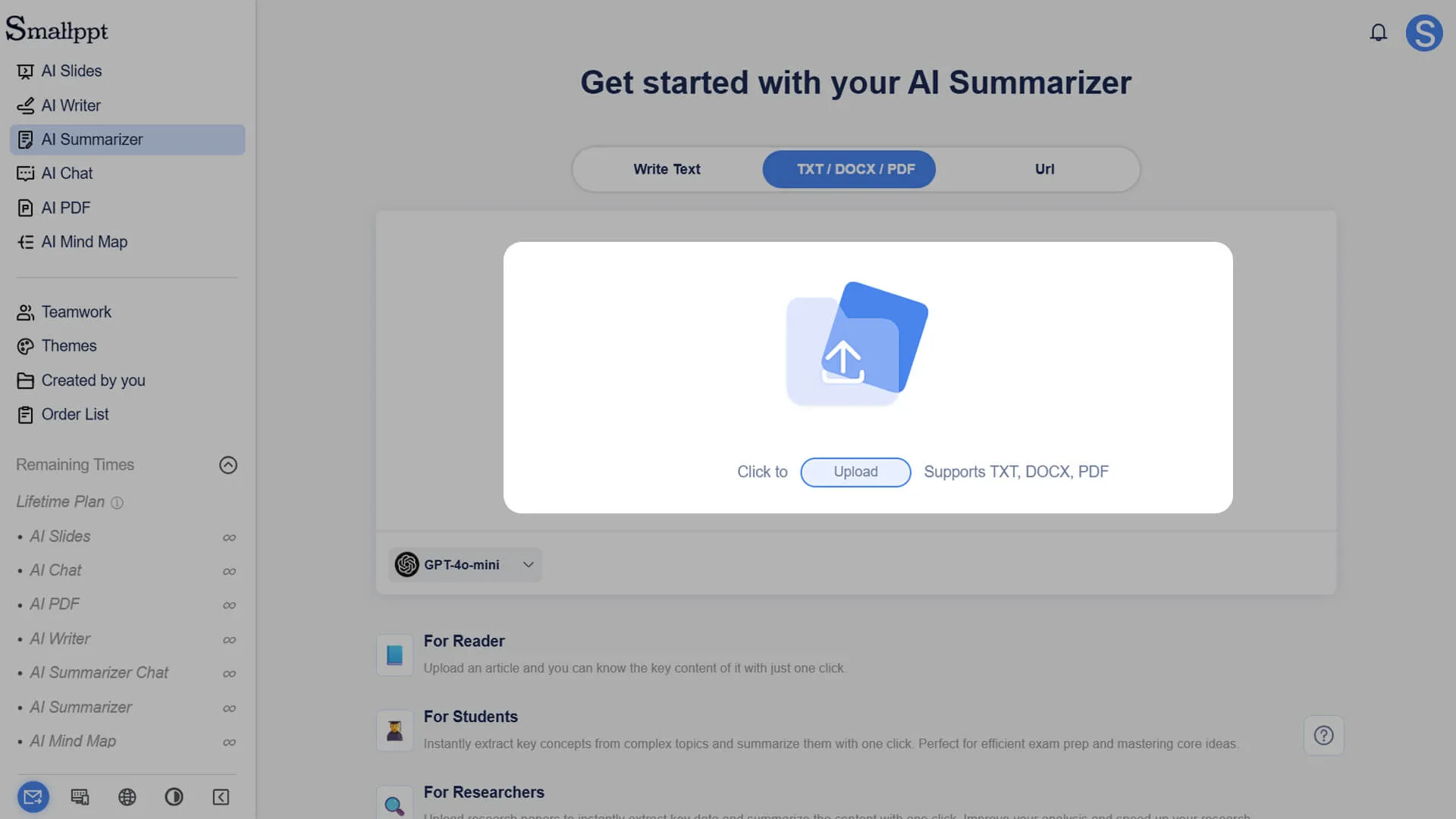
Step 2: Import Files
Upload your TXT, DOCX, or PDF files. The AI document summarizer will automatically read and analyze the content.
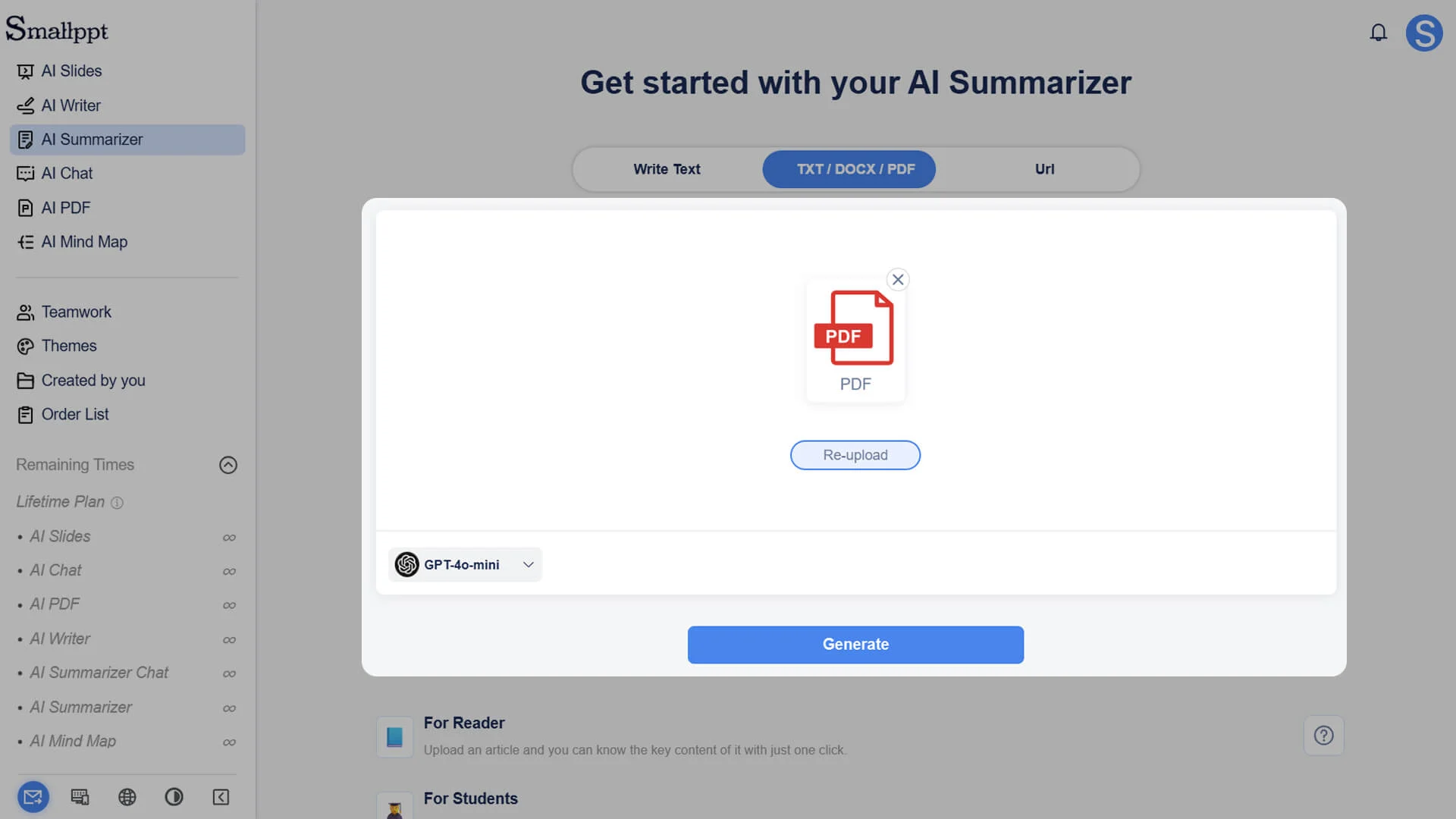
Step 3: Generate Summaries
The system quickly extracts the key information and creates clear, structured summaries using the AI document summarizer.
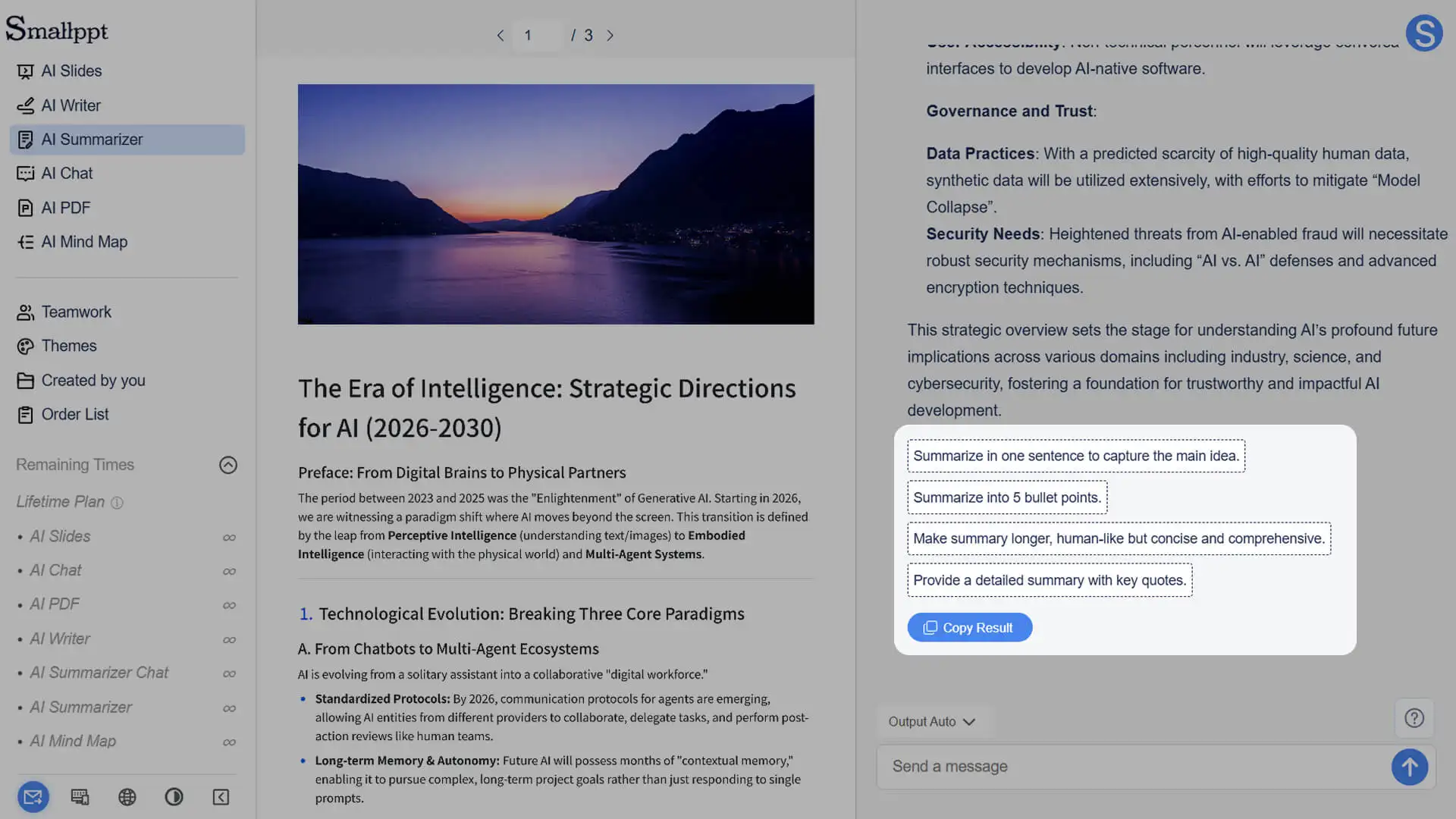
Step 4: Review and Edit
Check the generated summaries and, if needed, interact with the AI document summarizer to refine and optimize the content.
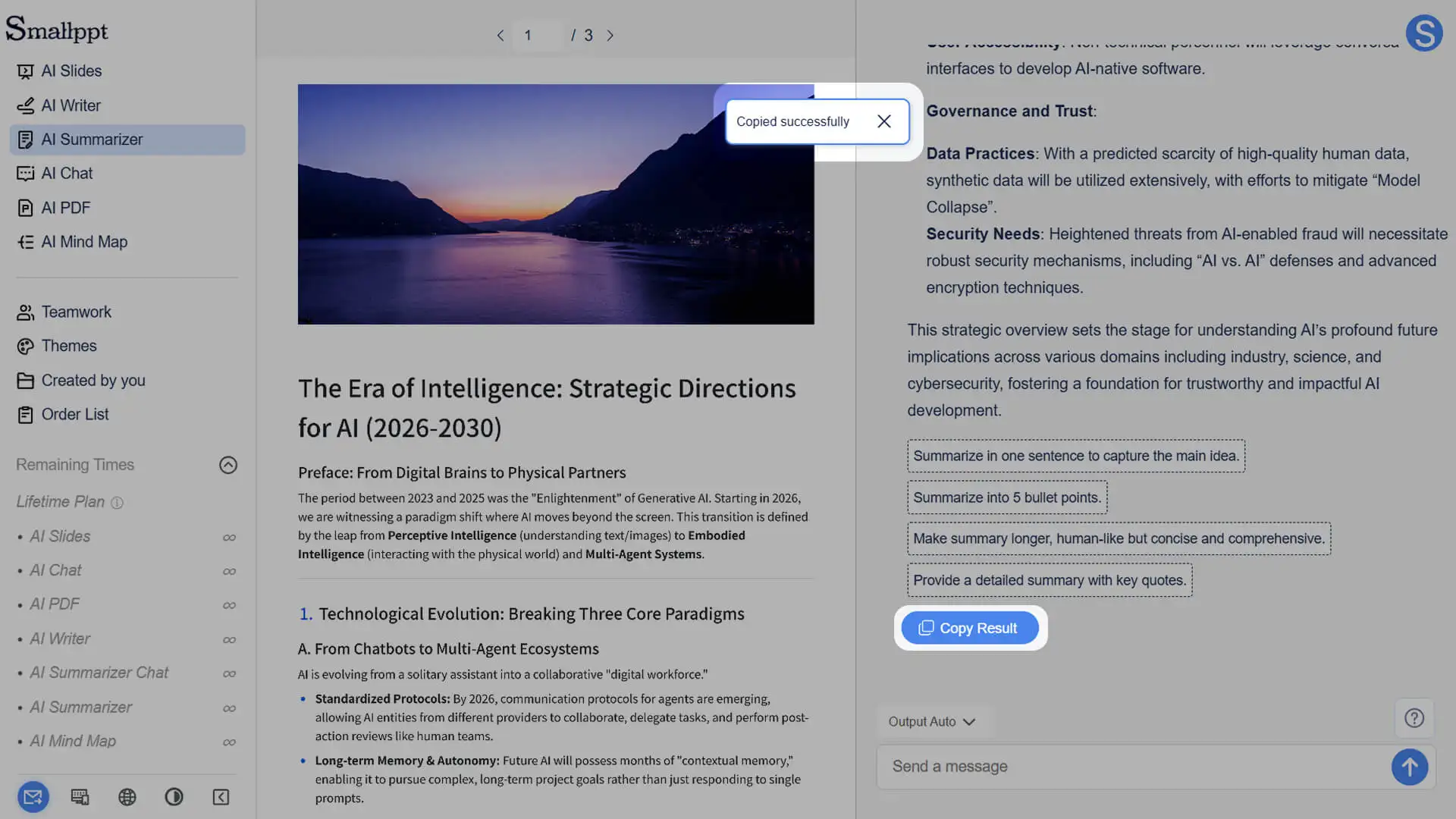
Step 5: Copy and Use
Once the summary is finalized, easily copy it for writing, reporting, or sharing to make your information work efficiently.
Turn Your Documents Into Clear Summaries Fast
